 JobsFlow
The job application tracker that tells you when to follow up.
A spreadsheet records what you did. JobsFlow tells you what to do next: which application needs a nudge today, who to send it to, and what's still waiting on you.
Why the spreadsheet stops working.
It's a fine start. Around application thirty, it turns into a list of things you meant to do.
It never reminds you
A follow-up date in column G is only useful if you open the sheet on that day.
Statuses go stale
Every change is typed by hand, so the sheet quietly drifts from what actually happened.
The resume lives somewhere else
Which version did you send to which company? The sheet doesn't know.
People get lost
The engineer who accepted your request last week is in a different tab, or a different app.
What a week looks like.
Every application, its status, the next step and when it's due. Sorted so the urgent ones come first.
| Role | Status | Next step | Follow up |
|---|---|---|---|
| Platform EngineerLedgerline | Referral sent | Follow up with Daan | Today |
| Site Reliability EngineerNorthwind | Applied | Nudge the recruiter | Thu |
| Infrastructure EngineerKestrel | Interviewing | Send a thank-you note | Fri |
| DevOps EngineerTripwell | Resume generated | Find someone to ask | Mon |
| Cloud EngineerRelaybird | Saved | Tailor the resume | No date |
| Platform EngineerDunecart | Rejected | Closed |
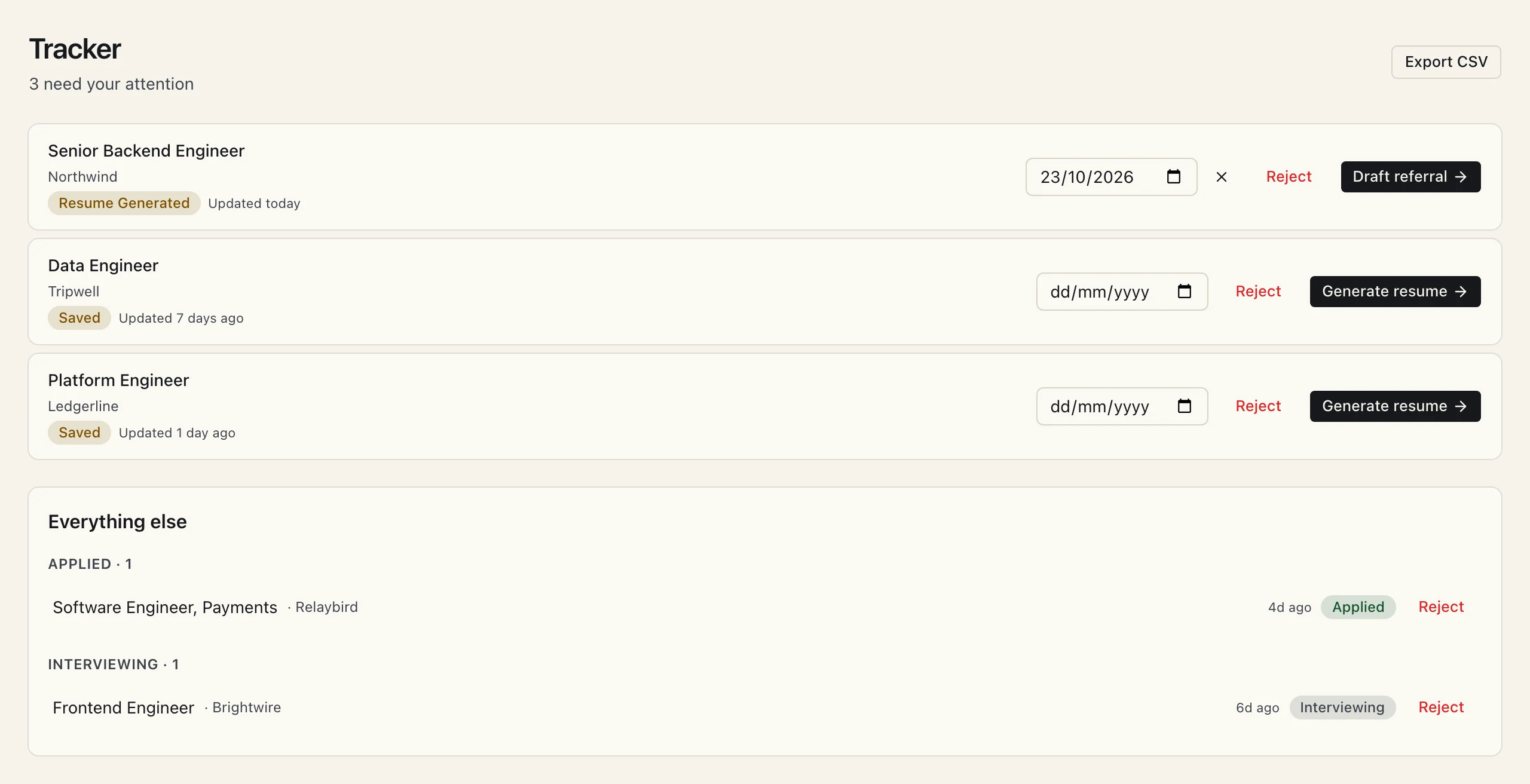
How following up works.
Set a date when you act
Applied, sent a request, had a call: pick the date you'll check back.
See it on Today
When the date comes round, the application shows up on your Today page with the rest of your day.
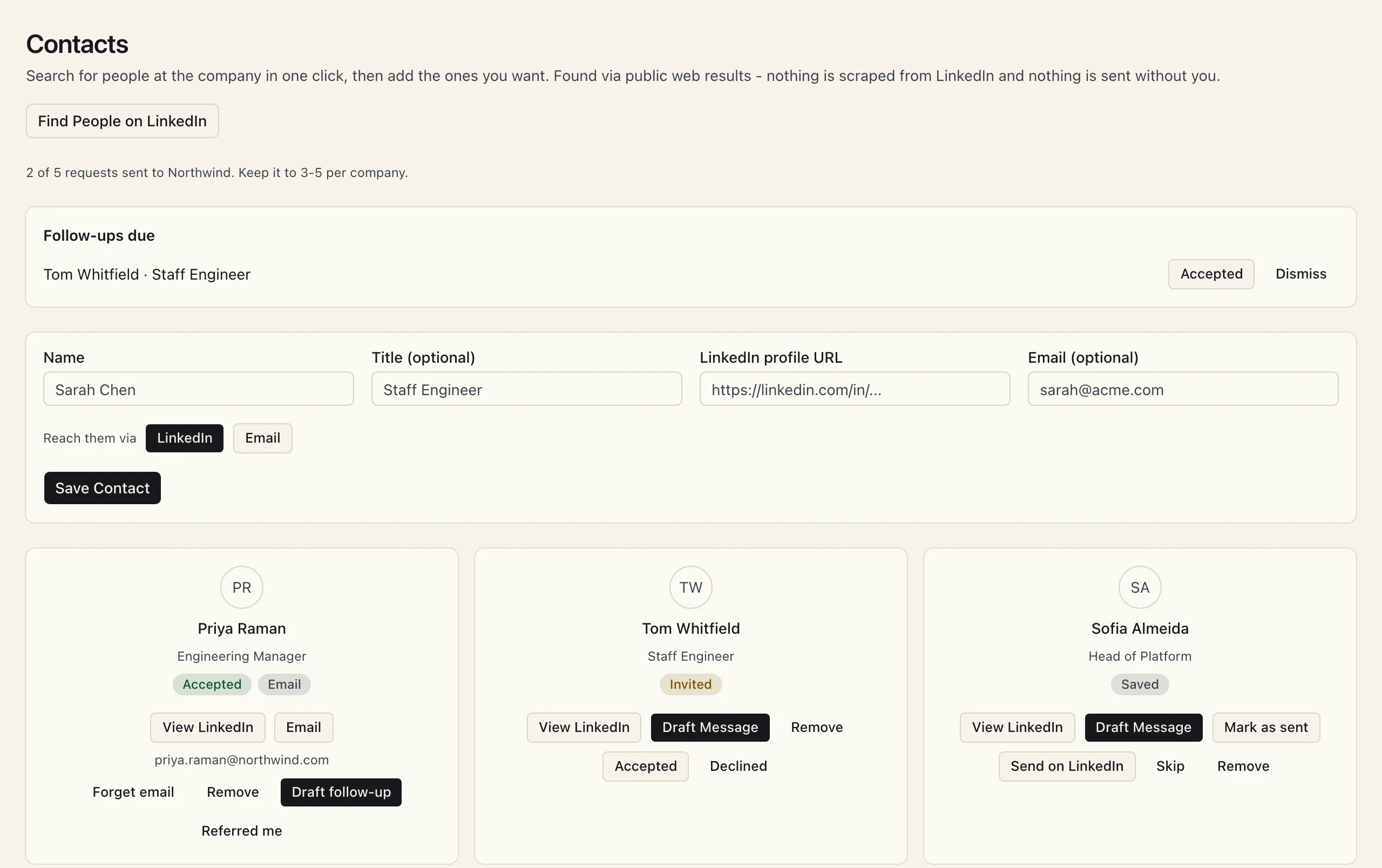
Nudge the right person
Open the application to see who you've contacted and where each conversation stands. Draft the follow-up from there, review it, and send it yourself.
Questions about the tracker.
Is the tracker free?
Yes, with no limit on how many applications you track. Follow-up dates, statuses and manual contact logging are all on the free plan.
Can I get my data out?
Yes. The tracker exports to CSV, so you can open it in the spreadsheet you're leaving behind whenever you like.
Which statuses does it use?
Saved, resume generated, referral ready, referral sent, applied, interviewing, offer and hired, plus rejected and skipped. Most of them move forward on their own as you work.
Does it track people as well as jobs?
Yes. Each application keeps the people you've contacted, moving from saved to invited to accepted or referred, with their own follow-up dates.
Retire the spreadsheet.
The tracker is free and unlimited. Bring your resume and you'll get roles to track as well.